How it works
Answer. Tick off. Carry it.
A moving date turned into a dated timeline, a calendar file and a printable plan, without sending any of it to us.
- 1
See the example first
The flat on Mill Street to the house in Bristol is a complete, fictional plan four weeks before a move. Read the “Catch up now” page: that is what a late start looks like when it still has an order.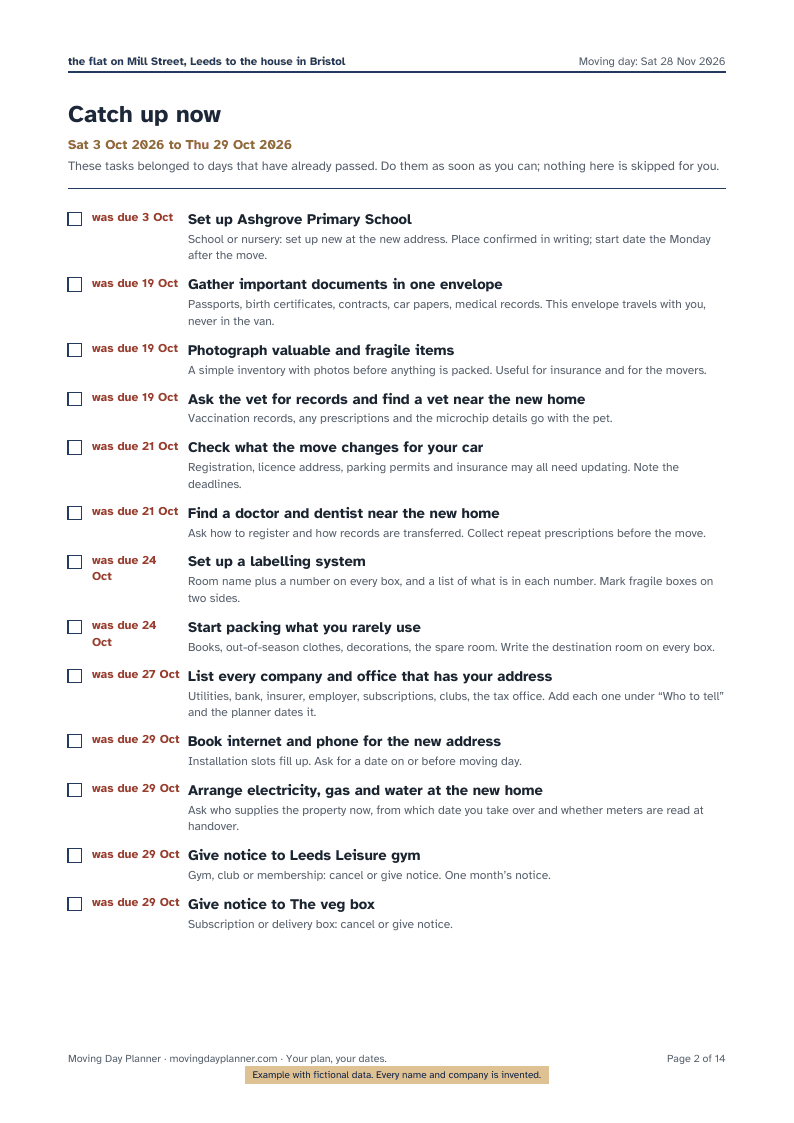
Example · fictional data - 2
Enter the date and answer six questions
The moving date is the one thing the planner needs. Then: renting or owning at each end, how far, movers or a van, and whether children, pets or a car are coming along. The answers pick the tasks that apply; a tenant never sees “change the locks”, an owner never sees “ask for the deposit back”.
Nothing is uploaded while you type. The page keeps the plan in memory, and only if you tick “Remember my plan on this device” does your browser keep it between visits.
- 3
Read the timeline
Every task sits on its day, counted back from the move: eight weeks before, six, four, three, two, one, the last days, the day itself, the first week after, the first month after. Tasks whose day has already passed are gathered under “Catch up now”. Tick what is done; skip what does not apply.
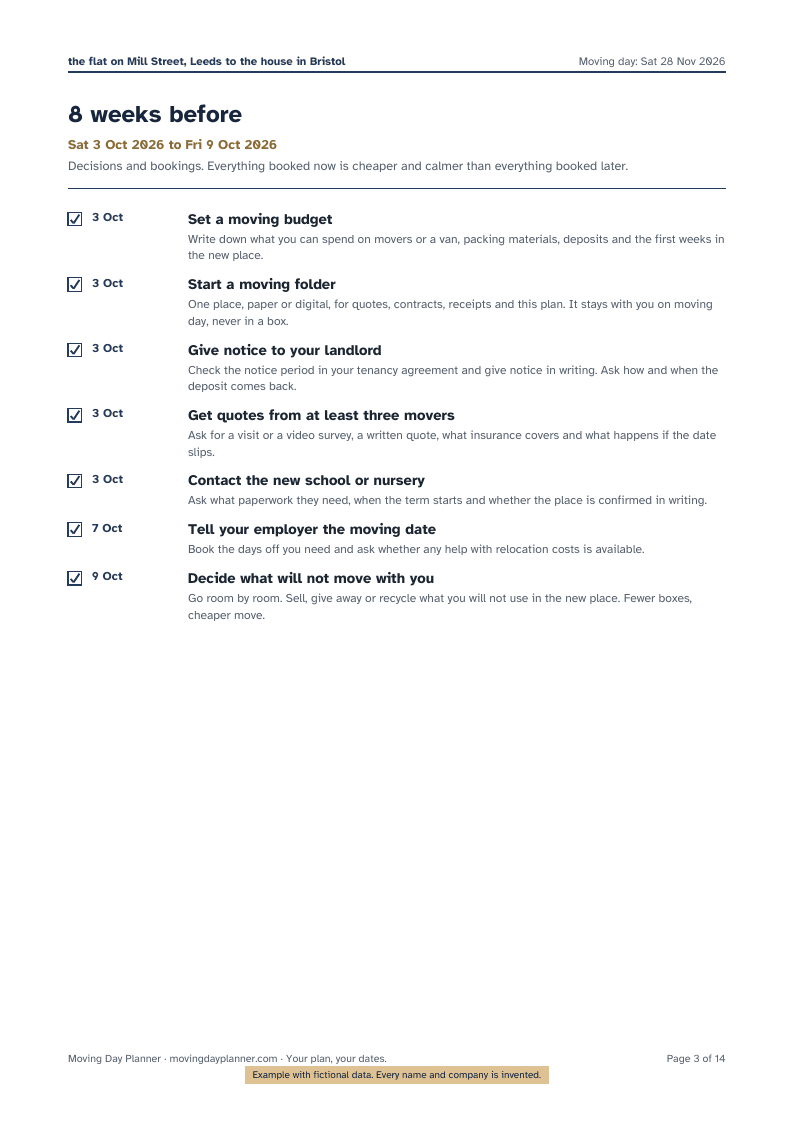
Example · fictional data - 4
Add who to tell
Each company or office that has your address: pick what kind it is and what you need from it. The planner puts the call on the right day, with the usual notice period in mind, and prints the list as its own page with boxes to tick.
- 5
Add your own tasks
The piano, the garage key, the neighbour’s ladder. Say how many days before or after moving day and it joins the timeline like any other task.
- 6
Put it in your calendar
The Full Planner builds a calendar file (.ics) with one all-day event per open task and a reminder on the morning. Open it in Apple Calendar, Google Calendar, Outlook or any calendar app. Change the date, export again, and the new events replace the old ones.
- 7
Print it
The PDF is built in your browser and handed to your browser’s download. Choose A4 or US Letter. A free preview copy carries a “preview” mark on every page; the Full Planner removes it. The cover shows the countdown as of the day you print.
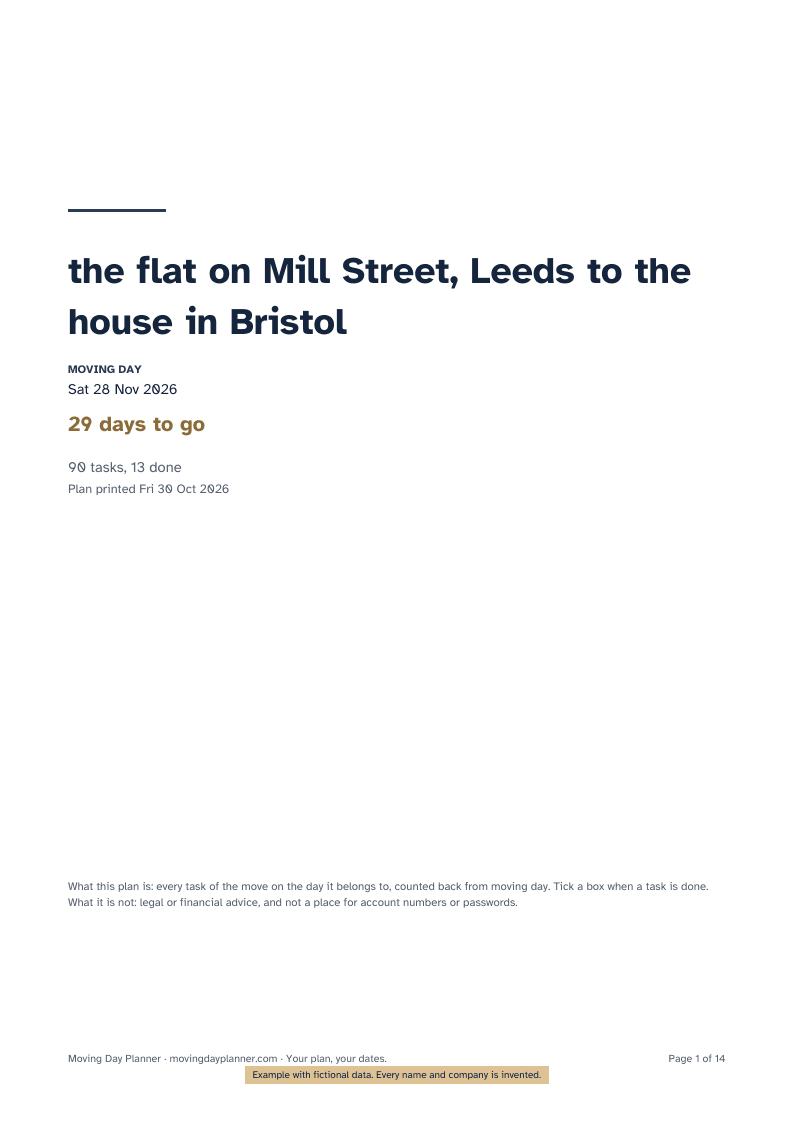
Example · fictional data - 8
Keep a plan file
“Save my plan file” downloads a plain file with your plan. Load it on another device, tick off what you did, export again. The file is not encrypted on purpose: there is no password to forget and nothing for us to recover.
Practical questions